
Design your camper van conversion in 3D
Real vans, exact dimensions, and a live bill of materials - plan the whole build in your browser before you cut a single board.
No install · No sign-up to try · Works in any modern browser
The full toolkit
Everything you need to plan the build
A proper CAD tool for camper conversions - precise, parametric, and practical - not a box of clip-art furniture.
See how VanCAD compares to vanspace 3DReal vans
Start from a van that's actually yours
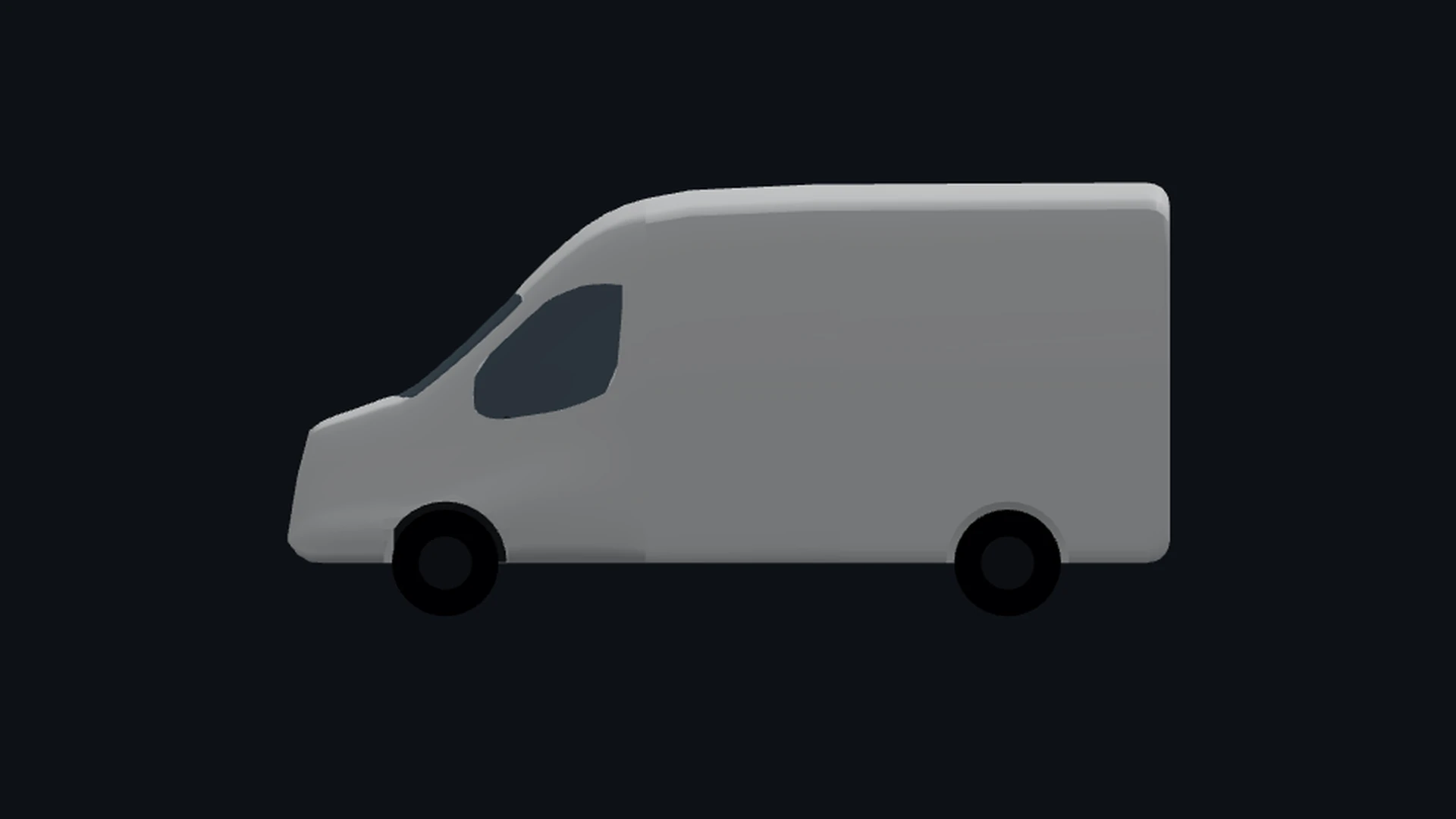
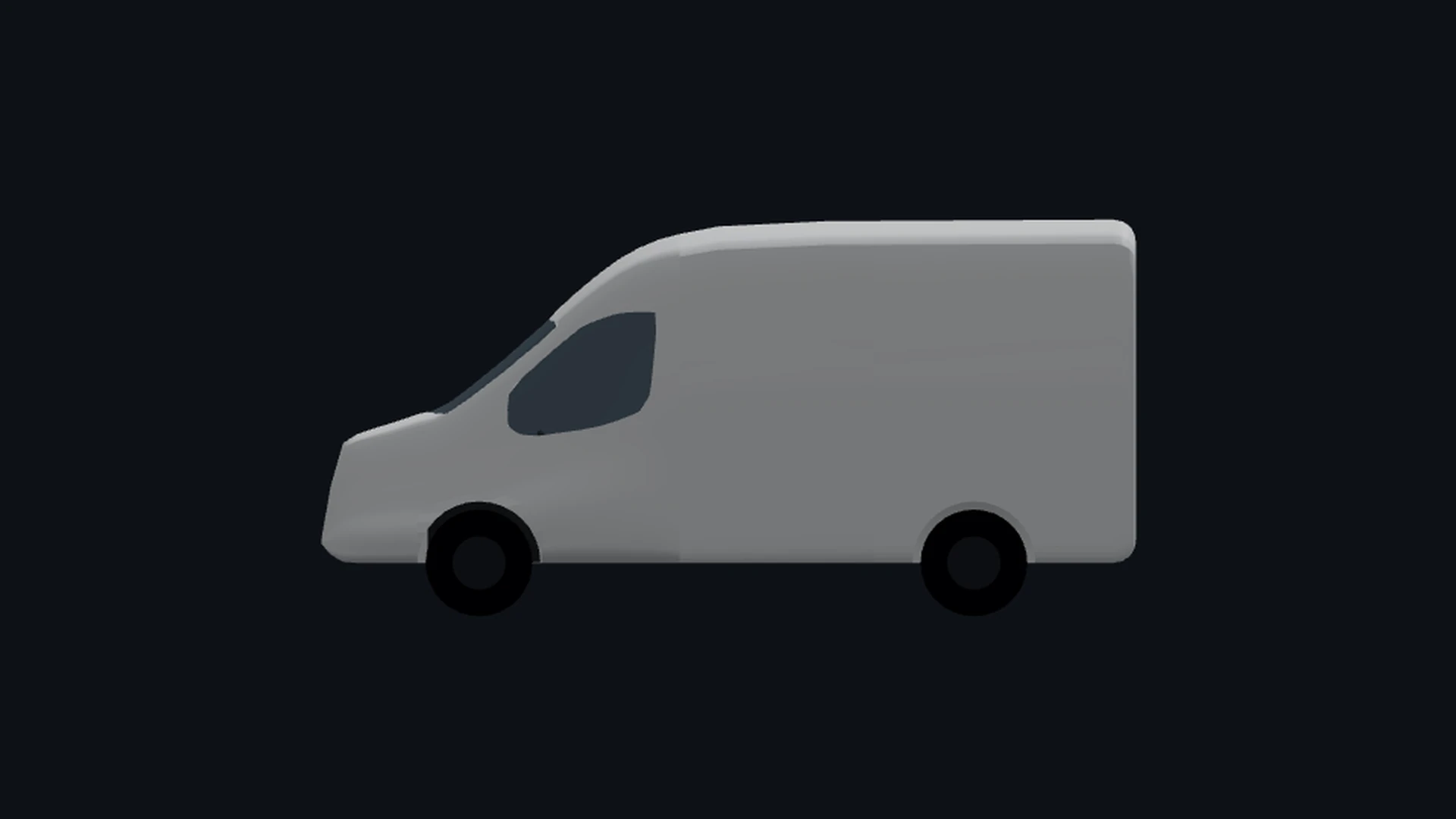
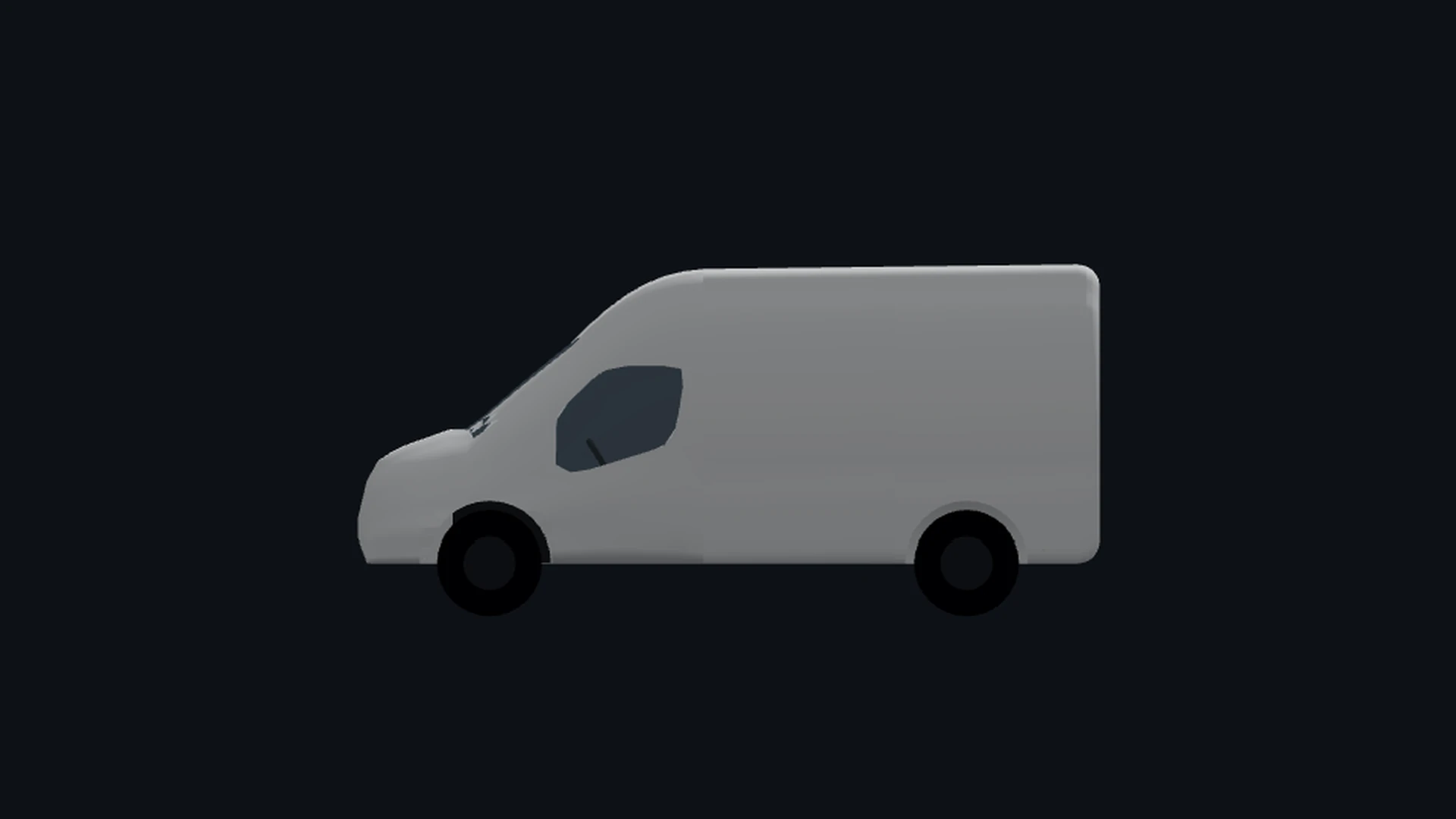
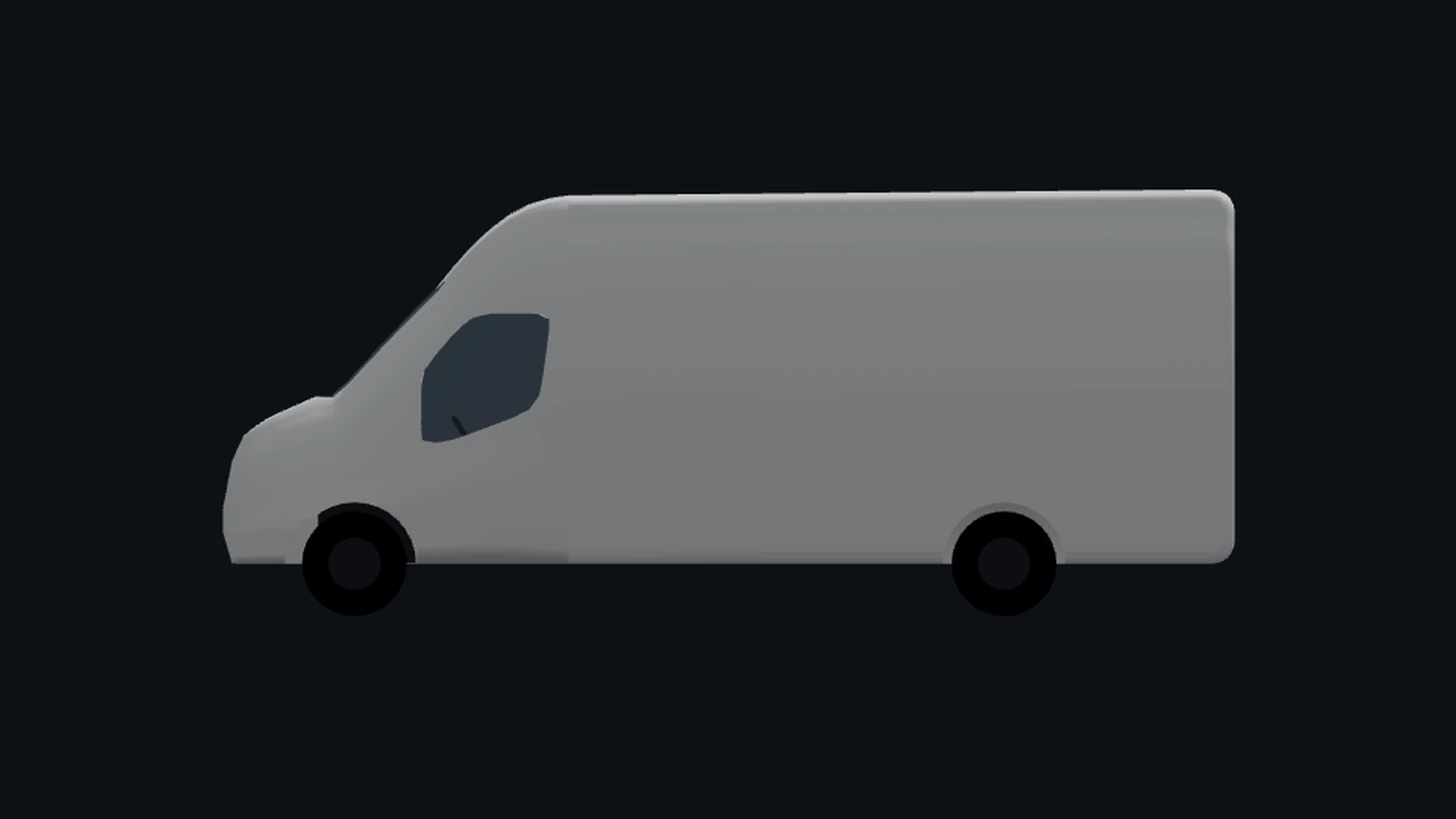
Every design begins from a parametric model of a real van, with body profiles traced from the real vehicle - not a generic box.
- 60+ real van models, with more being added regularly
- Left- or right-hand drive
- Separate FWD and RWD configurations for more accurate internal building space
- Pick the length and roof height, then we build out the internal walling so you can get started with your design

Design in 3D
Drag, snap and resize - right in the browser
Place furniture and appliances in a live 3D scene, snap them to the walls, floor and each other, and resize by real dimensions. No install, no CAD licence, no workstation.
- Snap to van surfaces and to other objects
- Type an exact millimetre size - the geometry rebuilds
- Orbit, pan and fly around your design
Component catalogue
A huge parts catalogue, ready to drop in
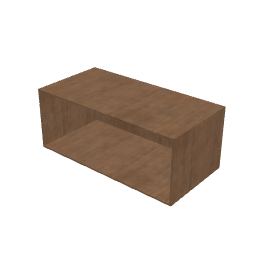
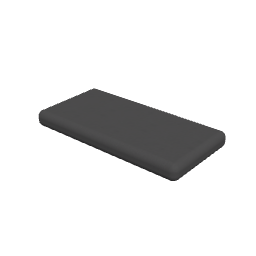
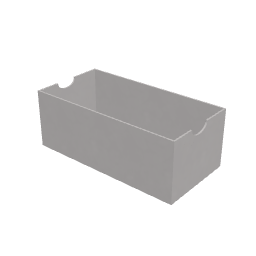
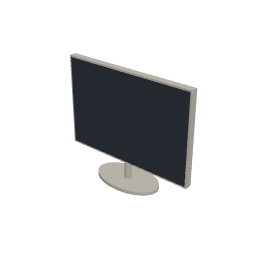
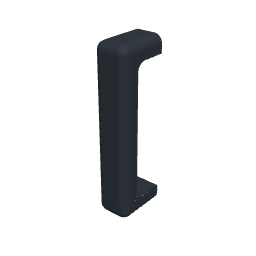
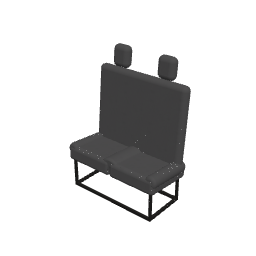
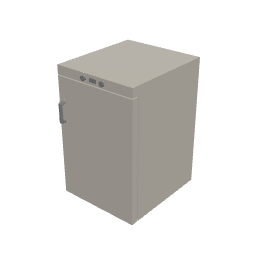
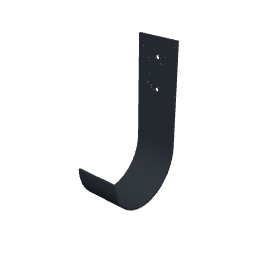
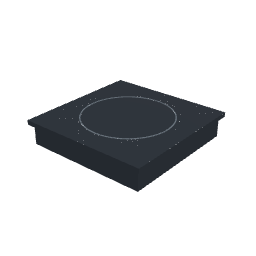
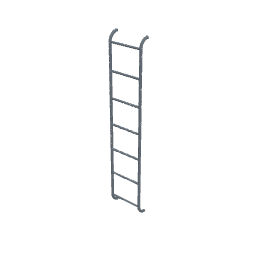
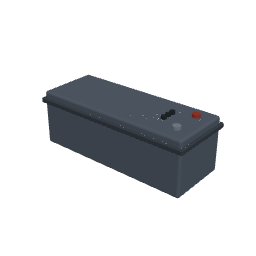
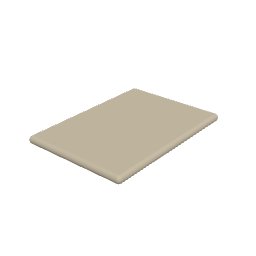
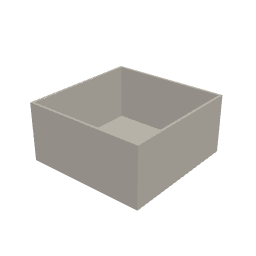
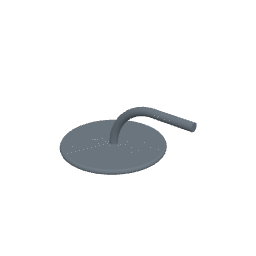
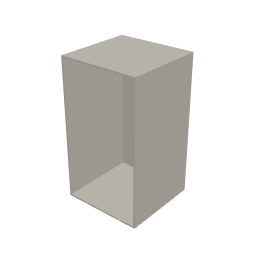
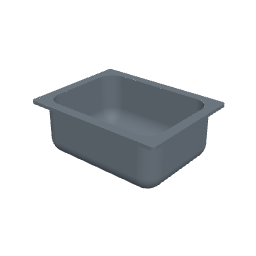
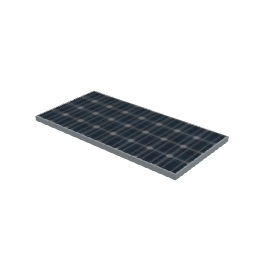
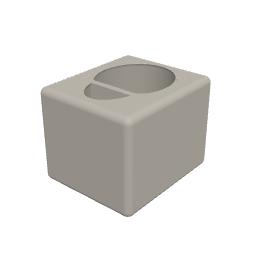
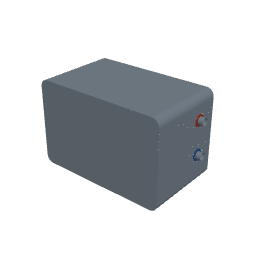
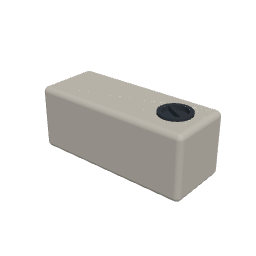
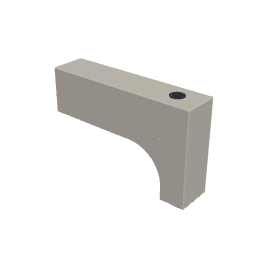
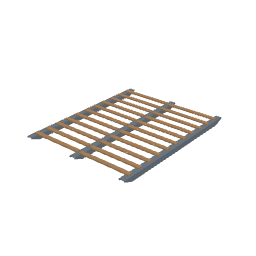
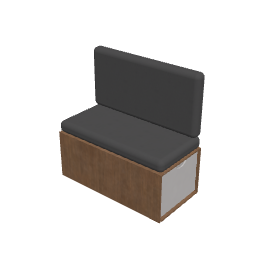
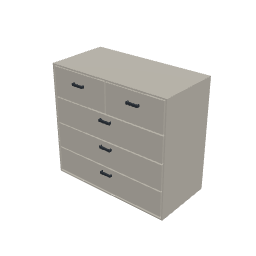
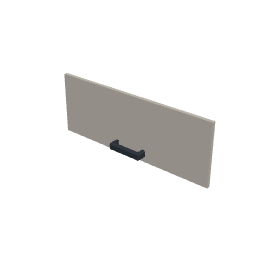
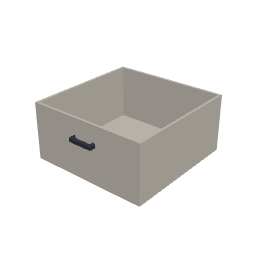
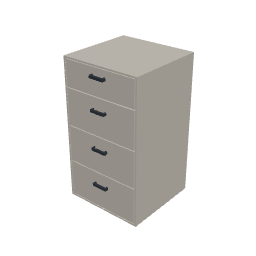
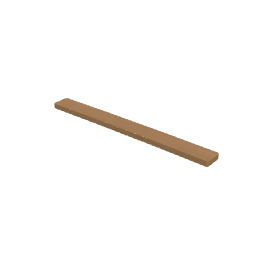
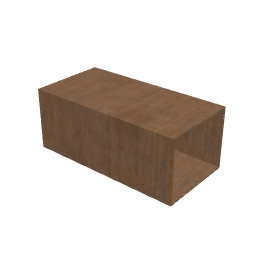
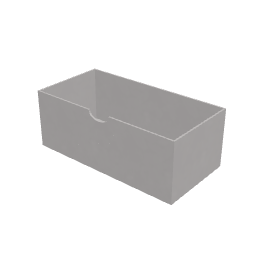
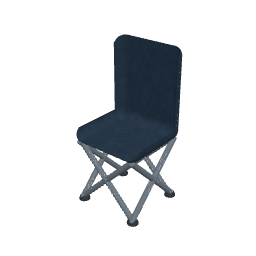
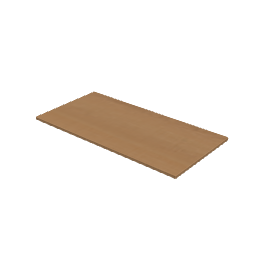
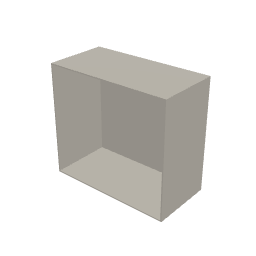
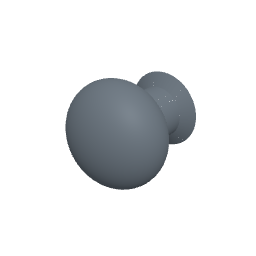
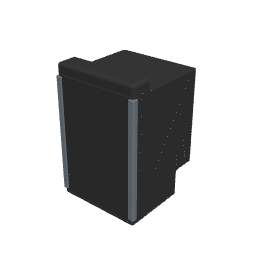
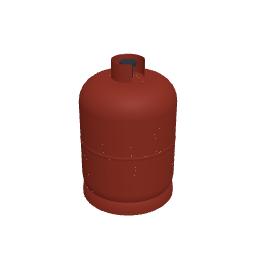
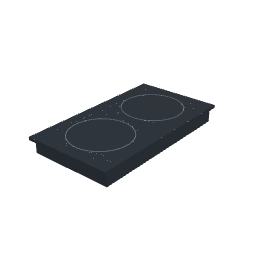
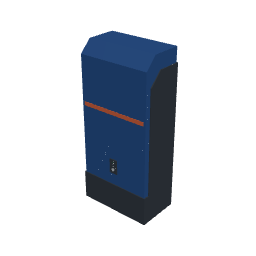
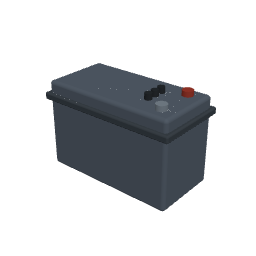
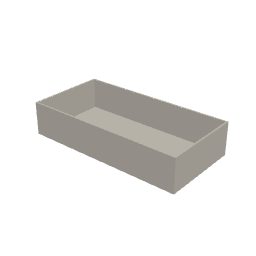
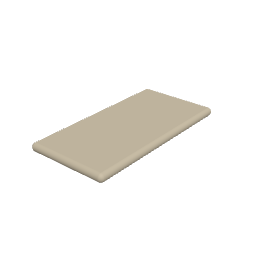
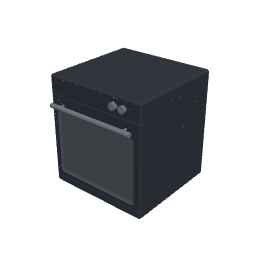
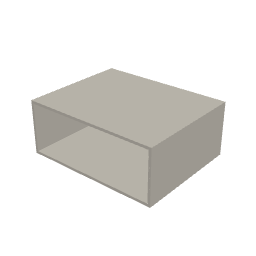
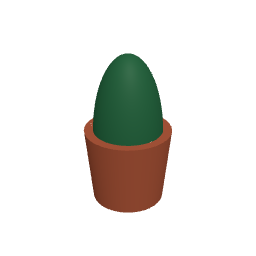
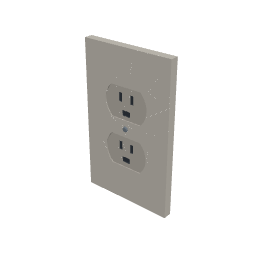
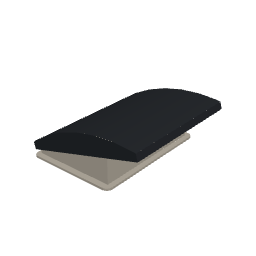
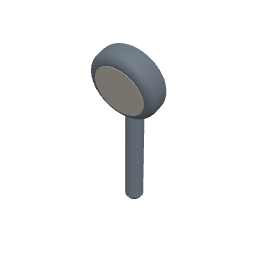
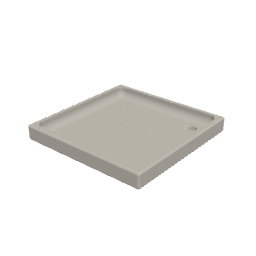
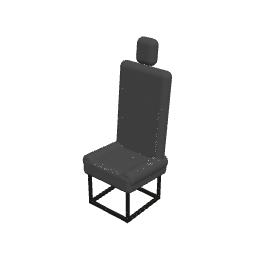
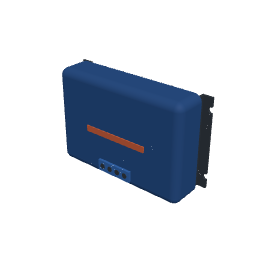
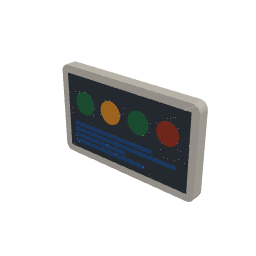
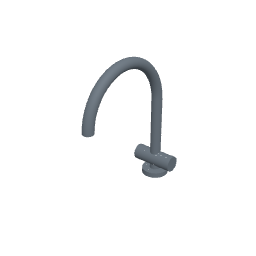
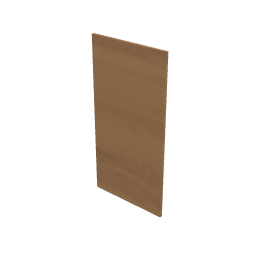
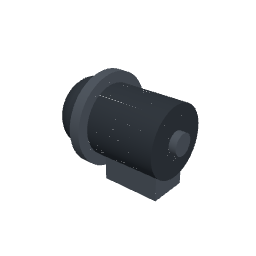
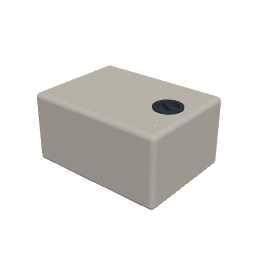
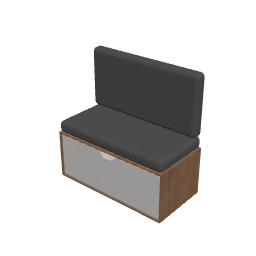
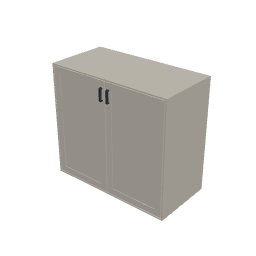
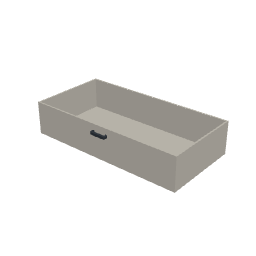
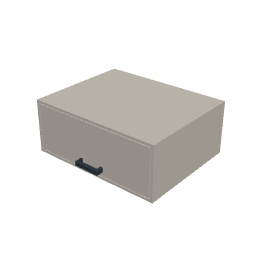
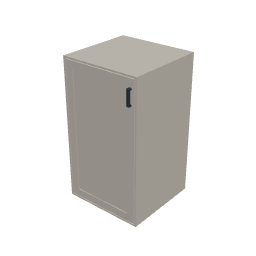
Furniture, appliances, electrics, plumbing and cooking gear from a growing catalogue - or build your own from primitives with the custom-object tool.


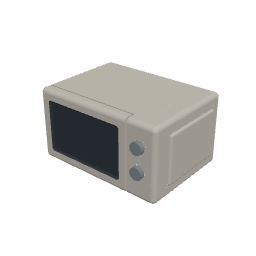

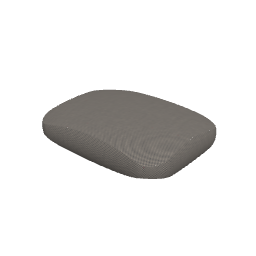
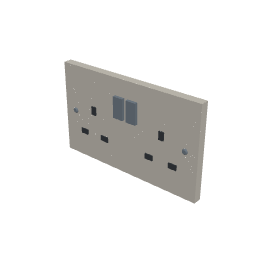
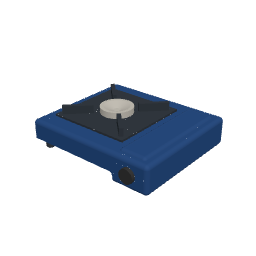



Practical outputs
Your build sheet writes itself
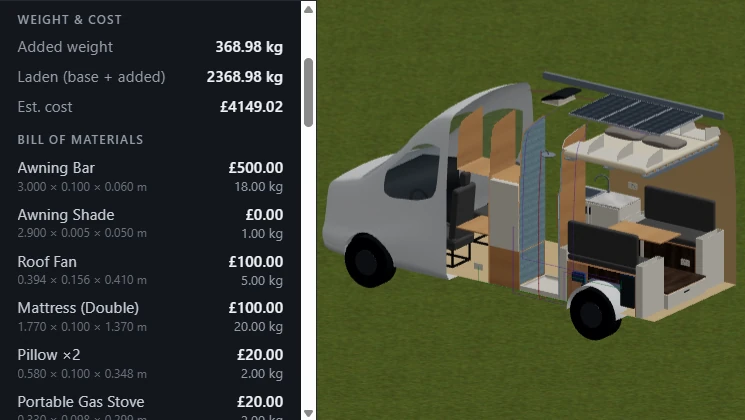
This is the part other planners skip. As you place parts, VanCAD keeps a live bill of materials, a running cost, and a total added weight - so you know it'll fit, what it'll weigh, and what it'll cost before you buy a single board.
- Live bill of materials as you design - fully configurable to the actual parts you're planning on using
- Running cost total
- Total added weight - check it against your van's payload
Wiring & plumbing
Route the systems, not just the furniture
Run cables and pipes through the wall cavity between the bodywork and the lining - exactly where they go in the real build. The lengths feed straight into your bill of materials.
- Route through the real bodywork-to-lining cavity
- Wiring and plumbing runs, visualised in 3D
- Run lengths counted into your totals
How it works
Three steps to a build sheet
 1
1Pick your van
Choose a make, model, length and roof height. VanCAD builds the traced 3D shell.
 2
2Design your layout
Drag components in from the catalogue, snap them into place, and resize to fit.
 3
3Get your build sheet
Read off the live bill of materials, total cost and added weight - ready to build.
And plenty more
Custom-object builder
Build any part from primitives - boolean-cut shapes into the exact bracket, box or panel you need, then reuse it.
Groups & saved states
Bundle items into kits that move as one, and flip a van or group between states - bed up, bed down, table stowed.
Guided tutorials
Interactive in-app tutorials walk you through your first placement, grouping, and arranging a real layout.
Metric or imperial
Work in millimetres or inches - it's a display choice; the underlying model stays exact either way.
Real materials
Finish parts in real wood, metal, fabric and stone textures so the plan looks like the build.
Actively developed
VanCAD is under active development - new vans, parts and features land regularly, and your feedback is fully welcome and helps shape what comes next.
Pricing
Design for free. Subscribe to keep it.
The whole design toolkit is free. VanCAD Pro is for keeping your work - saved and synced across your devices.
Free
The complete design experience, right in your browser.
£0$0€0
forever
- Every van, component and output
- Full 3D design tools
- Bill of materials, cost & weight
- Time-limited sessions
VanCAD Pro
Everything in Free, plus saving and cloud sync across devices.
£8.99$11.99€10.49/month
- Everything in Free
- Save unlimited designs
- Cloud sync across your devices
Prices shown in your local currency. Subscriptions are purchased in the web app.
FAQ
Questions, answered
Is it really free?
Yes - the full design toolkit is free to use in your browser: every van, every component, every output. Free sessions are time-limited; a VanCAD Pro subscription adds saving and cloud sync so your designs persist across devices.
Do I need to install anything?
No. VanCAD runs entirely in a web browser - no download, no plugin, no CAD licence, and no high-end graphics card. Open the app and start designing.
Which browsers are supported?
Any modern desktop browser - Chrome, Edge, Firefox or Safari - on a reasonably recent computer. The 3D view uses WebGL, which those browsers all support.
Can I design on my phone?
The design tools are built for a desktop browser, where there's room to work precisely. A read-only mobile app - for viewing your saved designs on the go - is on the way; for now, open VanCAD in any desktop browser.
Which vans are available?
Most major vans are already included, and the list is always growing. Check out the app's van picker to see all the available models, get notified about van model additions, and request a specific van if you don't see the one you're looking for.
Are the dimensions accurate?
Van bodies and components are modelled to real measurements, but every vehicle varies. Always verify critical dimensions against your own van before you cut, drill or buy.
Do I own my designs?
Yes. Your designs are yours. Pro keeps them synced to your account across devices; nothing locks your work away from you.
Can I cancel anytime?
Yes. Subscriptions can be cancelled at any time from your account, and you keep Pro until the end of the period you've paid for.
Start planning your conversion
Free to design, right in your browser - no install, no sign-up to try it.